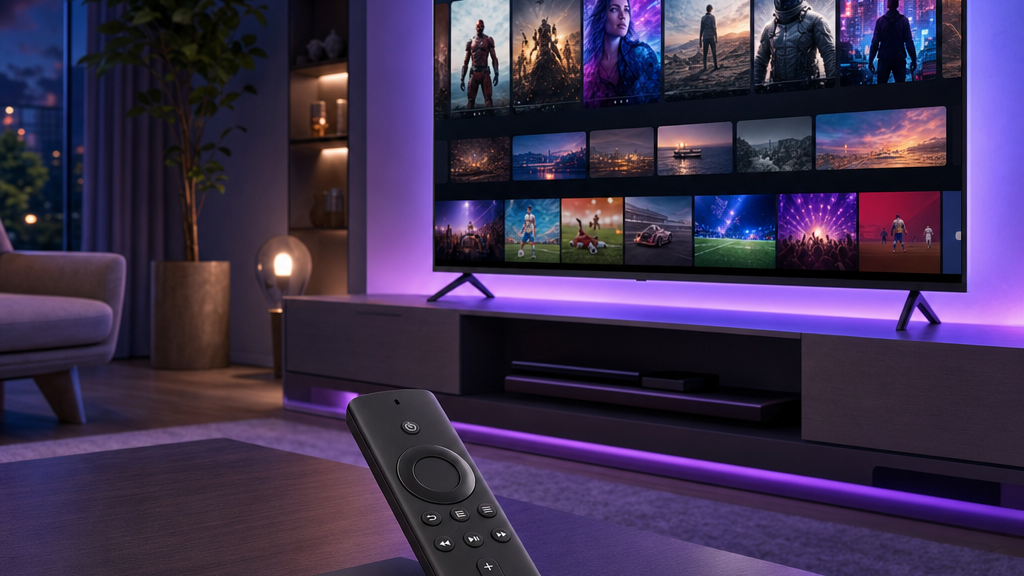
The Amazon Firestick is the most popular way to watch IPTV in the U.S. — it is cheap, plugs into any TV’s HDMI port, and runs IPTV apps natively. This guide shows you exactly how to install IPTV on a Firestick or Fire TV, step by step, in about five minutes. You will also need an active plan from an IPTV service to sign in on your Firestick.
What you need before you start
- An Amazon Firestick or Fire TV device.
- A stable internet connection (see our note on speed and buffering).
- Your IPTV subscription login details, or a free 24-hour trial.
Step 1: Allow apps from unknown sources
Because IPTV player apps are installed outside the Amazon store, you first enable developer installs:
- From the Fire TV home screen, go to Settings → My Fire TV → Developer options.
- Turn on Apps from Unknown Sources (or Install unknown apps).
Step 2: Install the Downloader app
- Search for Downloader in the Fire TV search bar and install it.
- Open Downloader and allow it the permissions it requests.
Step 3: Install your IPTV player
The most popular player is IPTV Smarters Pro. In Downloader, enter the app’s official download link (we provide the correct link with your subscription), then install it. Prefer a different player? See our roundup of the best IPTV player apps.
Step 4: Log in and start watching
- Open your IPTV app.
- Choose the login method we send you (Xtream Codes API or M3U URL).
- Enter your username, password, and server URL exactly as provided.
- Wait a moment for channels and the guide to load — then start watching.
No login yet? Get a free 24-hour trial.
Message us on WhatsApp and we will send your details.
Tips for the best Firestick experience
- Use a wired connection with an Ethernet adapter if your Wi-Fi is weak.
- Restart the Firestick weekly to clear memory.
- Keep the app updated for the latest fixes.
- Close background apps to free up resources.
Still seeing buffering? Our guide on fixing IPTV buffering and freezing walks through every fix.
Ready to go? Pick a plan and start streaming today.
See plans & pricingFrequently asked questions
How do I install IPTV on a Firestick?
Enable Apps from Unknown Sources, install the Downloader app, use it to install an IPTV player like IPTV Smarters, then log in with your subscription details.
Is IPTV on Firestick easy to set up?
Yes. Most people complete the setup in about five minutes by following the four steps above.
Which app should I use on Firestick?
IPTV Smarters Pro is the most popular, but TiviMate and IBO Player also work well. See our best IPTV apps guide.
Why is my Firestick IPTV buffering?
Usually a slow or unstable connection. Use Ethernet or 5 GHz Wi-Fi, restart the device, and keep the app updated.
Pick a plan and follow our simple setup guide for your device.