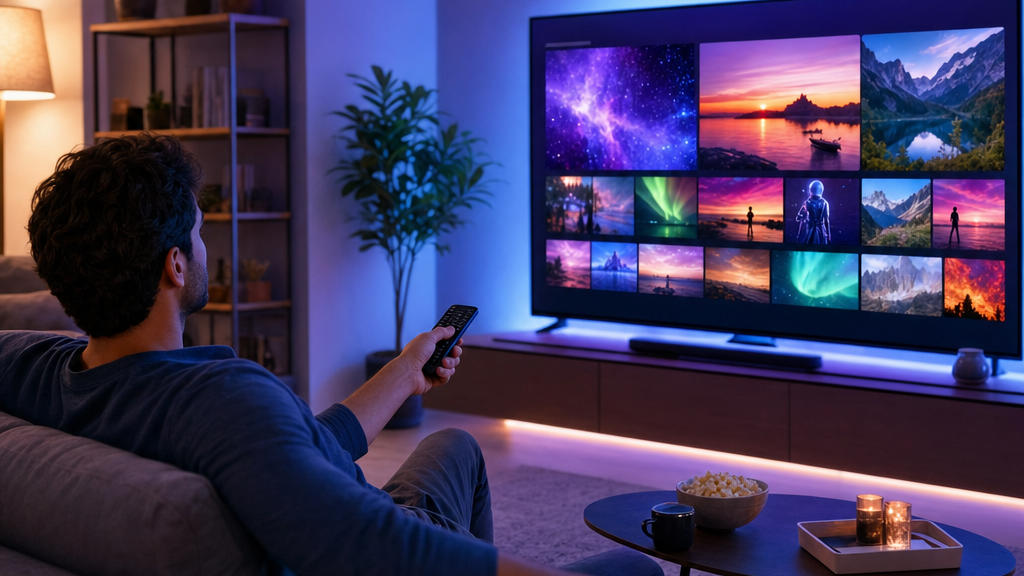
New to streaming TV over the internet? This IPTV guide for beginners explains everything in plain English: what IPTV is, what you need, how to get started, and how to try it free. In a few minutes you will know exactly how to set up IPTV and start watching. When you are ready, you can subscribe to IPTV and be up and running in minutes.
What is IPTV?
IPTV (Internet Protocol Television) delivers live TV channels and on-demand movies and series over your internet connection instead of a cable line or satellite dish. Because it streams online, you can watch on devices you already own — a Firestick, Smart TV, phone, tablet, or computer. For a deeper explanation, see what IPTV is and how it works.
What you need to get started
- A compatible device — Amazon Firestick, Smart TV, Android, iOS, or computer.
- A stable internet connection — around 25 Mbps is comfortable for HD, more for 4K.
- An IPTV subscription — this provides your channels and login details.
- An IPTV app — such as IPTV Smarters or TiviMate. See the best IPTV player apps.
How to get IPTV in 4 simple steps
- Choose a provider — pick a reliable service (our guide on choosing the best IPTV service helps).
- Start a free trial or plan — get your login details.
- Install an app — follow the setup guide for your device.
- Sign in and watch — enter your details and your channels load.
The easiest way to start: a free 24-hour trial.
Start your free trial on WhatsAppWhich device should beginners use?
For most people, an Amazon Firestick is the simplest starting point — it is inexpensive, plugs into any TV, and runs IPTV apps natively. Follow our Firestick setup guide. Prefer your TV’s built-in apps? See our Samsung Smart TV guide. Using a Roku? Read how to watch IPTV on Roku.
How much internet speed do you need?
As a rough guide: 10–15 Mbps for standard definition, ~25 Mbps for HD, and ~50 Mbps for smooth 4K. A wired Ethernet connection is the most stable. If you run into problems, our IPTV troubleshooting guide covers the fixes.
Is IPTV worth it?
For most cord-cutters, yes. You get far more channels and a large on-demand library for a fraction of a typical cable bill, with no contract and the freedom to watch on any device. Compare your options in our IPTV subscription guide.
Ready to try IPTV? Compare plans and get started.
See plans & pricingFrequently asked questions
How do I get IPTV?
Choose a provider, start a plan or free trial to get your login, install an IPTV app on your device, then sign in and watch.
What do I need for IPTV?
A compatible device, a stable internet connection, an IPTV subscription, and an IPTV app such as IPTV Smarters.
Is IPTV hard to set up?
No. Most beginners are up and running in under ten minutes using a Firestick and IPTV Smarters.
How much internet speed do I need for IPTV?
Around 25 Mbps is comfortable for HD and about 50 Mbps for smooth 4K. Wired connections are the most stable.
Pick a plan and follow our simple setup guide for your device.